From the first invitation to the last guest through the door.
Three steps, one link, and nothing for your guests to install.
Join the free betaFree during the beta: one event, up to 100 guests.
Three steps
Step 1: Describe your event.
Paste the details or start from a template, and SealSend drafts the invitation.
Step 2: Send it your way.
By email, or as a link you share anywhere.
Step 3: Watch replies arrive, then check guests in.
Live counts, dietary notes and plus-ones, and a QR scan at the door.
What SealSend does

A digital invitation worth opening.
Pick a design, add your photo and colours, and preview exactly what guests will see.

Every reply in one place.
See who's coming, who hasn't answered, plus-ones and dietary needs, updated the moment a guest replies.

Change of plans? Tell everyone at once.
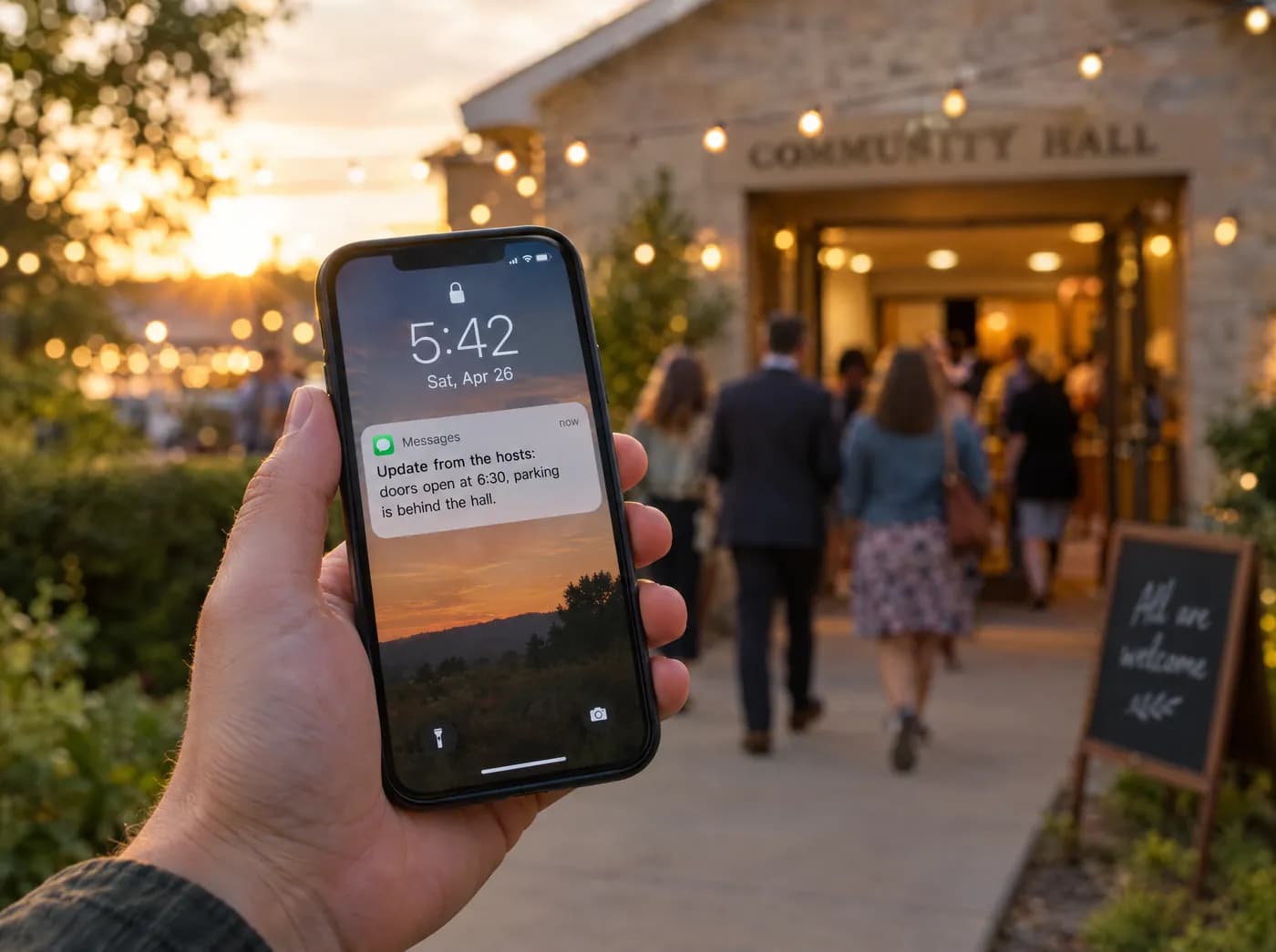
Send an update by email to everyone, or only to guests who said yes.


A calm front door.
Scan guests in from any phone and see arrivals live.

Bring your people together, online.
You bring the people. We'll help with the details.
Join the free betaFree during the beta: one event, up to 100 guests.